
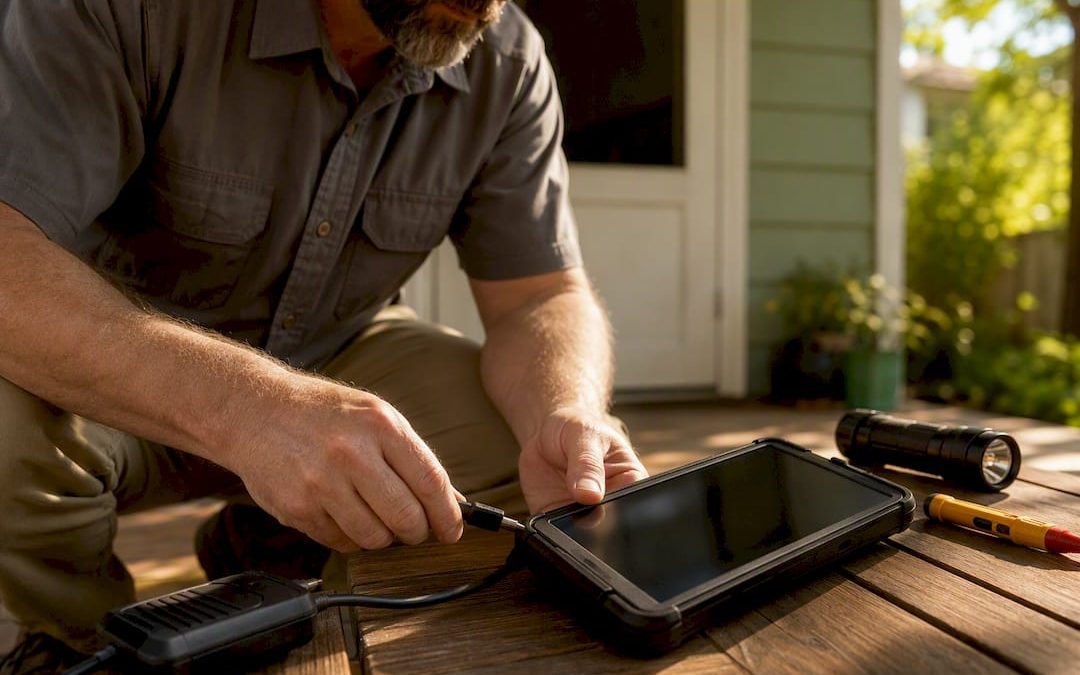
The best digital inspection report delivery process is trigger based automation: the moment an inspection is marked complete, the system builds a branded report and sends a secure link (plus a PDF backup) to every recipient within 24 hours, ideally in under an hour. Anything slower creates a gap where buyers second guess and agents start calling for updates.
A process that actually works needs:
- A trigger tied to job completion, not a manual “remember to send it” step
- A branded report template that renders automatically
- A secure link or PDF, not a plain email attachment
- Multi recipient routing so buyer, agent, and lender get it at once
- Delivery tracking so you know it was opened, not just sent
The common industry target is a 24-hour turnaround, but the real advantage shows up when delivery happens in 30 to 60 minutes. A buyer who gets the report before the drive home stays engaged with the findings instead of losing momentum overnight.
Key Takeaways
Fast, secure, trigger-based digital delivery shortens closing timelines by keeping buyers and agents engaged the moment an inspection finishes.
| Point | Details |
|---|---|
| Automate the trigger | Tie report generation to job completion, not a manual reminder, to hit a 24-hour or faster turnaround. |
| Require secure access | Use PIN-protected links and mobile-friendly viewers instead of plain email attachments. |
| Route to every recipient | Send to buyer, agent, and lender simultaneously to cut back-and-forth forwarding. |
| Log every delivery | Keep audit trails and delivery receipts as proof of send and open events. |
| Choose a provider that delivers fast | Jhunthomeinspections returns reports within 24 hours through a branded portal with Create Request List™ support. |
Table of Contents
- Why Does Faster Digital Delivery Speed Up Closings?
- What Should Every Report Delivery System Include?
- How Do You Set Up an Automated Delivery Workflow?
- What Makes a Report Delivery Feel Personal Instead of Automated?
- How Do You Secure Reports and Fix Failed Deliveries?
- How Does Hunt Home Inspection Deliver Reports Fast?
- Is Full Automation the Right Call, or Does It Need a Human Backstop?
- How Can Hunt Home Inspection Help You Get Reports Faster?
- Where Can You Find More on Digital Report Delivery?
- Sources
Why Does Faster Digital Delivery Speed Up Closings?
Faster delivery keeps buyers emotionally engaged with a decision that has a shrinking window. A report that lands while the buyer is still walking through the driveway gets read. One that arrives two days later competes with a dozen other tasks and often gets skimmed, if it gets opened at all.
The evidence backs this up:
- Automated workflows that generate and deliver reports by email and text within roughly 30 minutes of job completion tend to produce a meaningful lift in follow-up close rates compared to next-day delivery.
- Engagement tracking tied to the delivery event, rather than the send event, gives sales and agent teams a real signal for when to follow up.
The number that matters most: delivery speed and follow-up close rate move together. When a report shows up fast and someone reaches out shortly after it’s opened, buyers make decisions with less hesitation and agents spend less time chasing status updates.
What Should Every Report Delivery System Include?
The components below aren’t optional extras. Skip one and you either slow down delivery or create a support headache down the line.
- Trigger or webhook: fires the moment the inspection is marked complete, so nothing waits on someone remembering to hit send.
- Report template engine: populates photos, findings, and summaries into a consistent branded layout automatically.
- Secure viewer or PDF output: interactive web viewers load on any device without an account, while a PDF backup covers recipients who need an offline copy.
- Multi-recipient routing: sends to the buyer, their agent, the listing agent, and the lender simultaneously, without manual forwarding.
- Scheduling and one-off delivery options: automatic sends for routine jobs, manual sends for edge cases like re-inspections.
- Delivery receipts and audit logs: proof the report went out and was opened, which matters when a dispute comes up later.
- Engagement tracking: shows who opened the report and when, feeding smarter follow-up timing.
- Fallback channel: a text message or phone call path for when email silently fails.
Platforms built for this typically pair PIN-protected access with branded portals and multi-recipient delivery, which also sidesteps the file-size limits that choke email attachments loaded with high-resolution photos. If you’re evaluating an inspection company, this checklist doubles as selection criteria worth asking about directly.
Pro Tip: Automation shouldn’t feel robotic. Branded email templates with the inspector’s name, a personal note about the property, and a direct phone number keep the delivery feeling human even when automatically sent.
How Do You Set Up an Automated Delivery Workflow?
Six steps take a delivery process from manual and inconsistent to automatic and reliable:
- Map the trigger. Decide what “inspection complete” means in your system (report signed off, photos uploaded, technician marks the job done) and connect that event to a webhook.
- Build the template. Create a branded layout with placeholders for photos, summary findings, and recommended next steps, and set up conditional versions for different inspection types (buyer’s inspection, radon, sewer scope).
- Set rendering rules. Confirm what fields the webhook needs to pass, such as property address, inspection type, photo count, and recipient list, so the template populates without manual cleanup.
- Route recipients. Add the buyer, their agent, and any lender or co-buyer automatically based on the job record, capping the recipient list to avoid accidental over-sharing.
- Send and confirm. Deliver the secure link and PDF, then capture a delivery receipt the moment the email or text is accepted by the recipient’s server.
- Log and follow up. Record the send and open events in an audit trail, and trigger any sales or agent follow-up off the “delivered and opened” event, not the “sent” event, since chaining follow-ups to a bounced send creates false alarms.
Use scheduled delivery for routine, high-volume inspections where timing is predictable. Switch to one-off manual delivery for re-inspections, disputed findings, or any report that needs a human read before it goes out.
Pro Tip: Build retry logic with escalating wait times for failed sends, and route anything that fails three times into a human review queue. Platforms like Adobe Workfront cap repeating deliveries at 10 per report, a limit worth testing against before you rely on it for high-volume schedules.
What Makes a Report Delivery Feel Personal Instead of Automated?
Lead with a branded link inside a short HTML email that gives a TL;DR of the findings and one clear next step, with the full PDF attached for anyone who wants an offline copy.
A few details separate an email people open from one they ignore:
- Write a subject line that names the property, not “Your Inspection Report Is Ready.”
- Send from a monitored inspector address, never a no-reply account.
- Include the inspector’s direct contact info in the body, not buried in a signature.
- Add a PIN or access code for sensitive commercial or lender reports.
A simple structure works: property address and inspection date, three sentence summary of major findings, a button linking to the interactive viewer, and a line naming who to call with questions.
Pro Tip: Include ballpark repair cost ranges or recommended next steps directly in the summary. Buyers who see “expect $200 to $400 for this repair” call their agent with a plan instead of calling the inspector five times asking what it means.
How Do You Secure Reports and Fix Failed Deliveries?
Secure links, PIN protection, audit logs, and delivery receipts are the baseline, not the upgrade. Pair them with a fallback channel and retry logic so one failure point doesn’t stall a closing.
Cover these basics:
- Encrypt data in transit and at rest for every report.
- Use PIN protection on links tied to lender, commercial, or higher-sensitivity reports.
- Set links to expire or use revocable, view-counted URLs for anything auditor-facing.
- Keep an append-only audit trail of every send, open, and download event.
- Allowlist your sending domain with major email providers to avoid spam folder drops.
When a delivery fails, check the usual suspects first: attachment size over the recipient’s limit, a recipient count that exceeds platform caps, or a corporate email filter blocking an unrecognized sender. Test each of these before assuming the whole workflow is broken. On compliance, keep it practical: access controls plus a clean audit log cover most operational needs without turning this into a legal exercise.
How Does Hunt Home Inspection Deliver Reports Fast?
Jhunthomeinspections promises report delivery within 24 hours of the inspection, backed by a branded portal that gives buyers and agents instant access without hunting through an inbox.
The process leans on a few concrete pieces:
- The Create Request List™ tool, which lets buyers and agents flag repair requests directly against report findings instead of trading separate emails.
- Both in-person and video inspection options, so scheduling flexibility doesn’t push delivery timelines back.
- Consistent report templates covering buyer’s inspections, radon, mold, sewer scope, and septic evaluations, so the format stays familiar no matter which service was ordered.
- A monitored sender address tied to the inspection team, not a generic no-reply account.
The payoff for readers: agents get findings fast enough to negotiate repairs before deadlines tighten, buyers make decisions with a full report instead of a verbal summary, and inspectors field fewer “did you send it yet” calls.
Is Full Automation the Right Call, or Does It Need a Human Backstop?
Automating the trigger and template is the right call for nearly every inspection business, but the send step still deserves a human eye on edge cases like disputed findings or first-time buyers who need a phone call, not just a link. Setup takes real time up front, testing retry logic and template rules is tedious, and over-automating the personal touches can make a report feel like it came from nobody. Get the balance right and the system pays for itself within a few closings.
How Can Hunt Home Inspection Help You Get Reports Faster?
Jhunthomeinspections is the practical alternative to waiting days for a mailed or manually emailed report: inspections across the St. Louis Metro area and Southern Illinois come back within 24 hours, delivered through a branded portal instead of a buried email attachment.
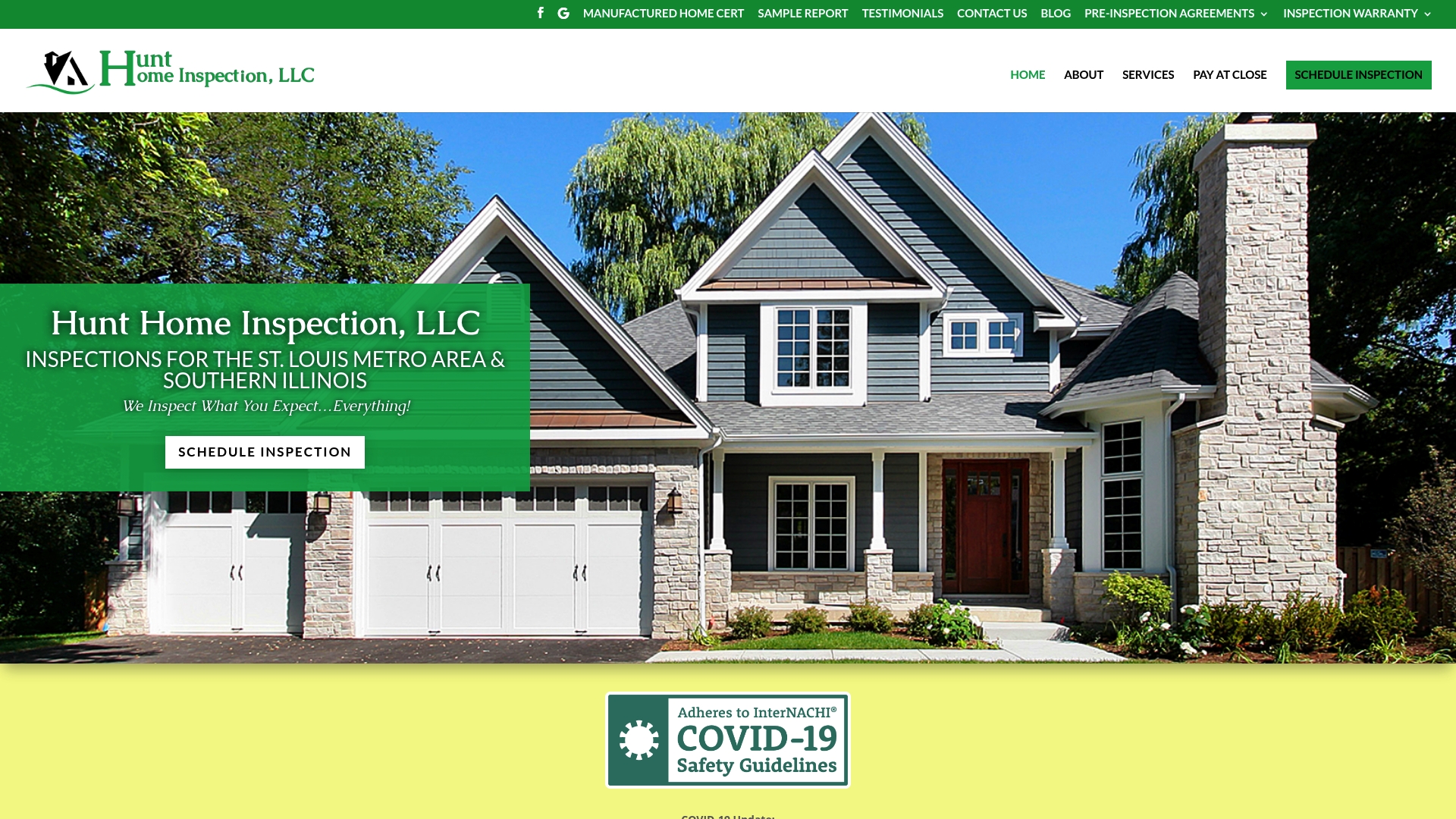
Whether you’re a first-time buyer, a veteran using VA benefits, or an agent coordinating a pre-listing inspection, the process stays the same: schedule an in-person or video inspection, get a report built around the specific inspection type you ordered, and share it instantly with everyone on the transaction. Explore the full range of inspection services offered across residential and commercial properties, and if payment timing is a concern, ask about paying at closing to keep costs aligned with your transaction schedule. Ready to see the delivery process firsthand? Schedule your inspection today and get your report where it belongs, in your inbox, within a day.
Where Can You Find More on Digital Report Delivery?
These are the documented references behind this guide’s recommendations on scheduling, security, and delivery mechanics.
- Report delivery features — InspectorDATA
- Create and manage report deliveries — Adobe Workfront
- Set up automatic report delivery — Adobe Workfront
- Schedule email delivery of Looker Studio reports — Google Support
- Digital reports — InspectEasy documentation
- Automate inspection report delivery for home-service businesses — US Tech Automations
- Automated inspection report delivery for HVAC companies — US Tech Automations
Start with the Adobe Workfront documentation when configuring scheduling limits and repeat delivery counts, as it provides key operational details that teams commonly need to understand.
Sources
- Report delivery features — InspectorDATA
- Create and manage report deliveries — Adobe Workfront
- Schedule email delivery of Looker Studio reports — Google Support
- Automate inspection report delivery for home-service businesses — US Tech Automations
- Digital reports — InspectEasy documentation
Recent Comments